
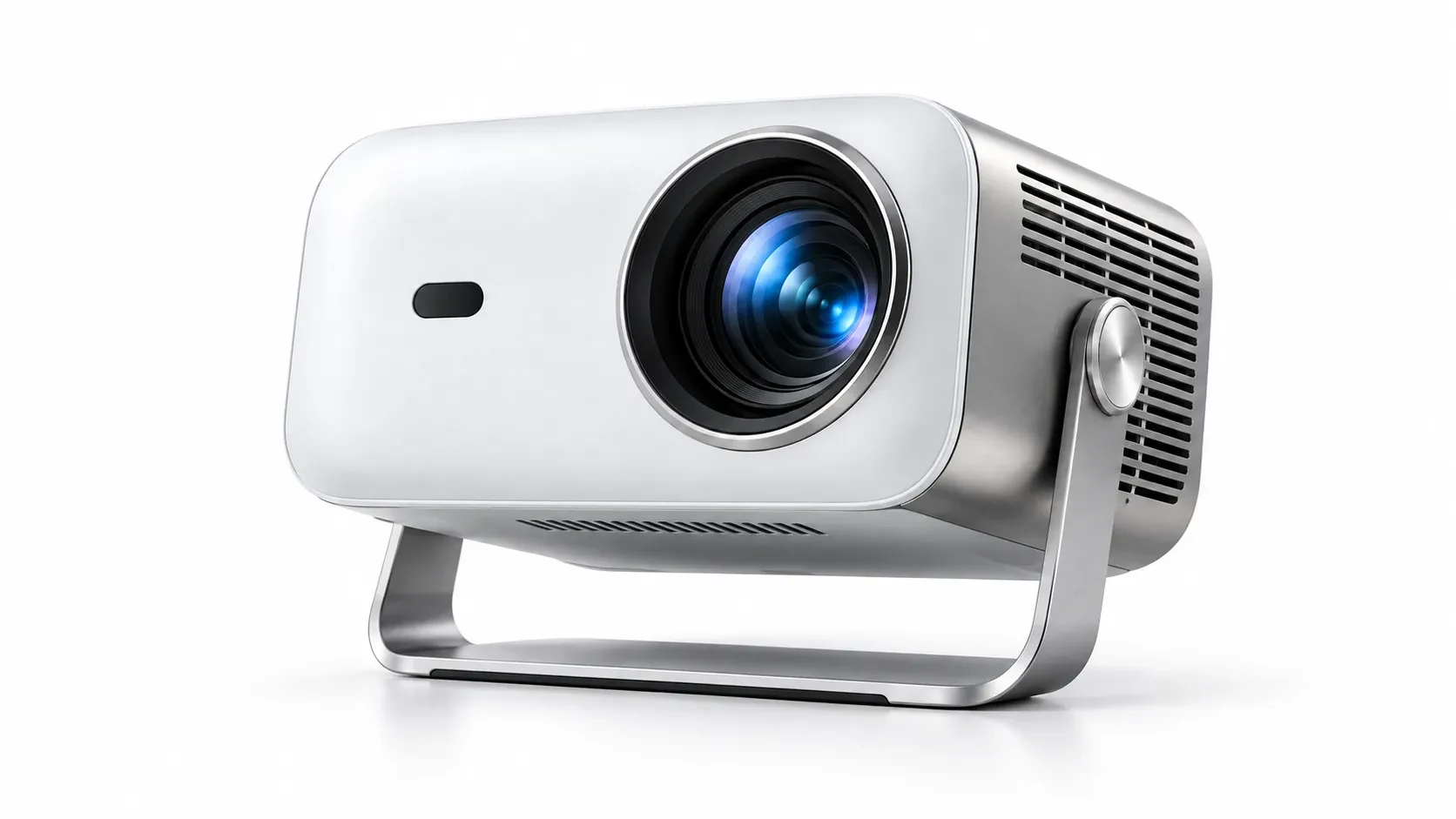
Clean Listing Images
Create a simple background, balanced framing, and a natural shadow for catalogs and online listings.
Unlock New Possibilities for Your Product.
Turn an existing product photo into a clean studio shot, lifestyle scene, or marketing visual. Change the background, lighting, and composition while telling the editor what should stay the same.
Upload a product image, describe the scene or finish you want, and tell GPT Image 2.5 which packaging details must stay the same.
Start with your own images or create something from an idea.
Describe what you want to change and what should stay the same.
Pick the speed, finish, and shape that best suit your image.

Luxury Skincare Campaign
Turn a simple bottle photo into a refined beauty campaign.
Product possibilities
Prepare clean listings, natural lifestyle scenes, and campaign-ready visuals from the product images you already have.
Create a simple background, balanced framing, and a natural shadow for catalogs and online listings.

Place your product in a relevant setting so shoppers can picture it in everyday use.

Explore seasonal scenes and promotional compositions while keeping the product easy to recognize.
Editing controls
Describe the exact change you need and identify the product details that must remain consistent in the final image.
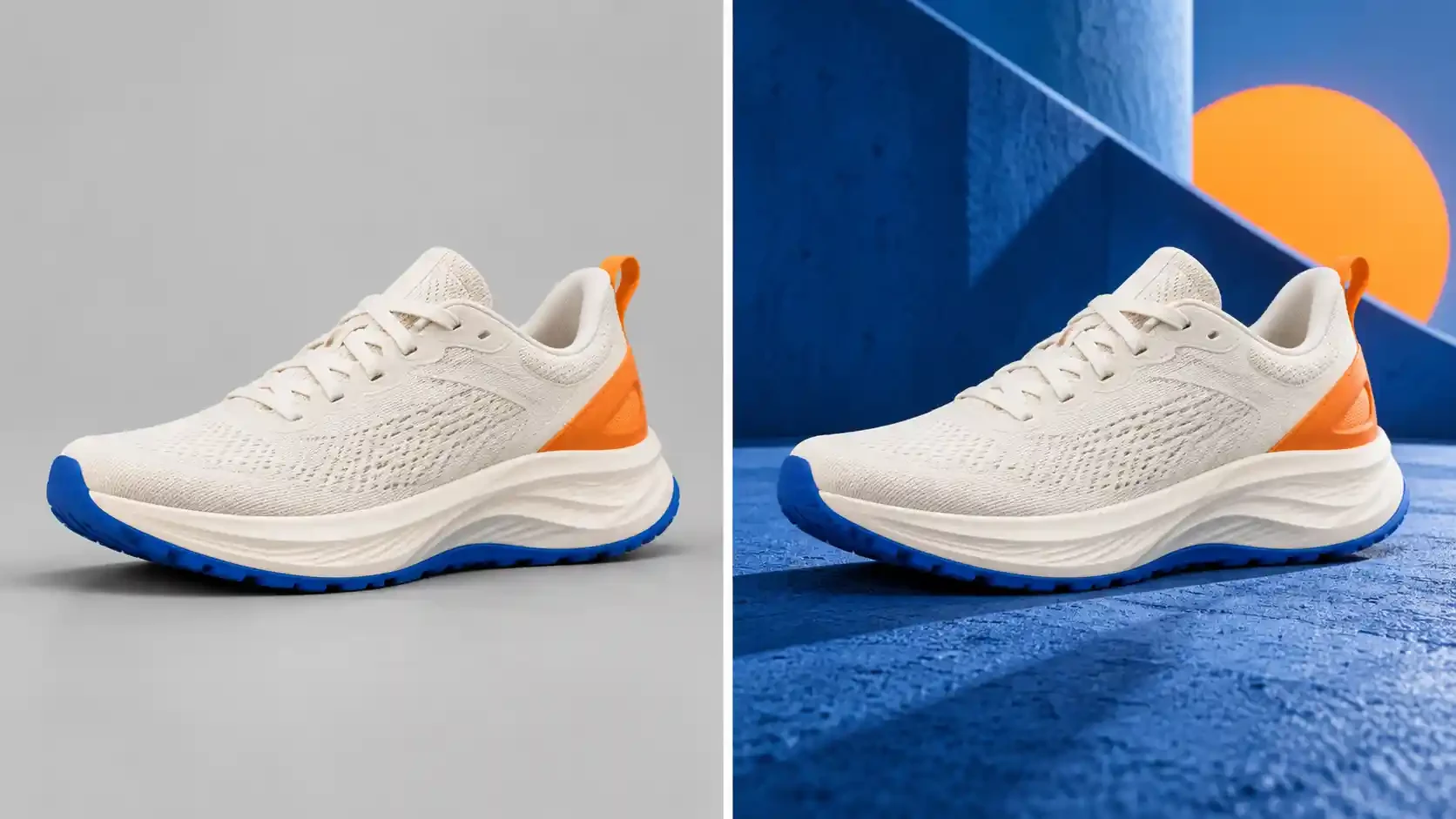
Swap a distracting backdrop for a studio setting, solid color, or transparent background.
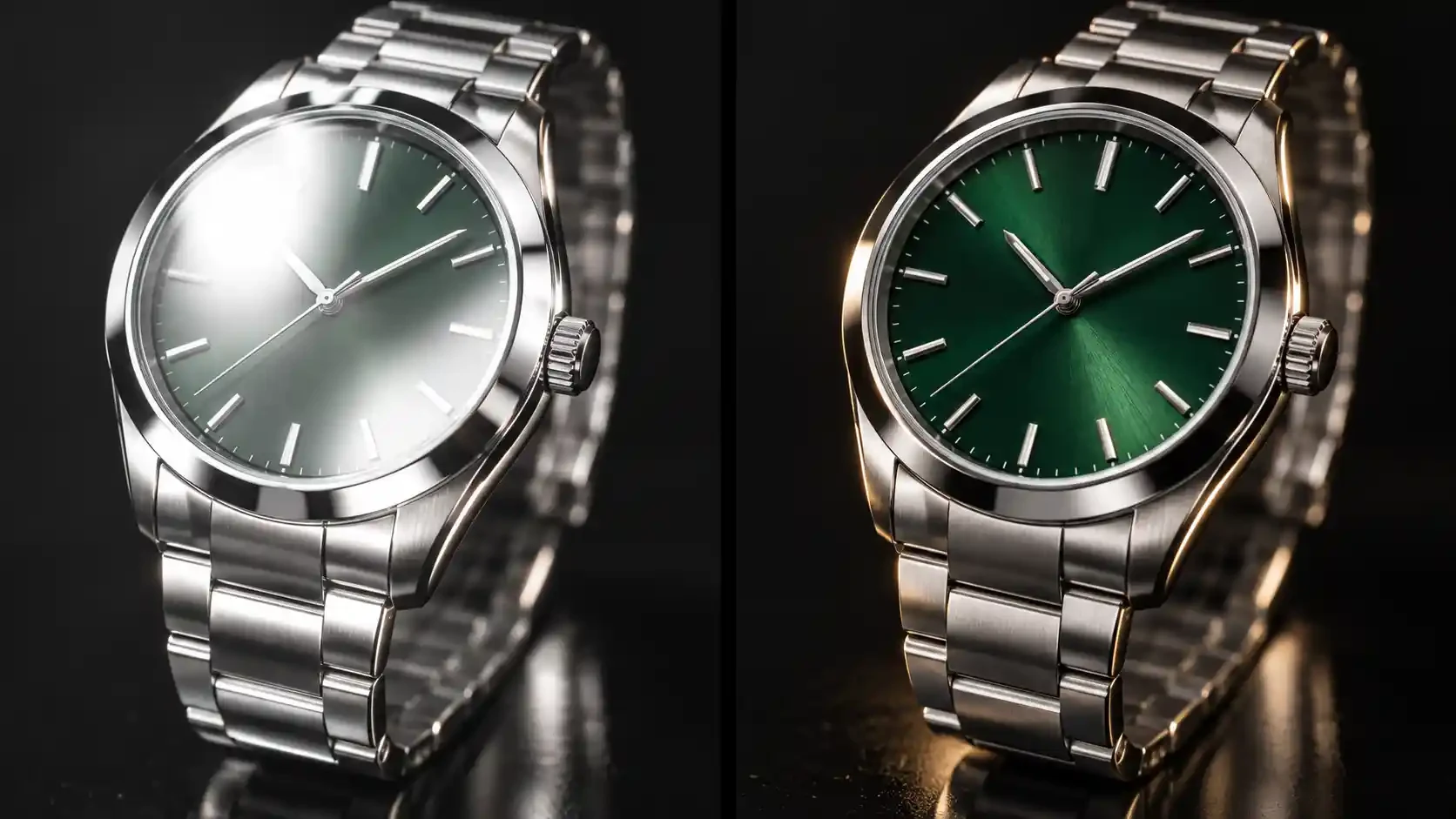
Request softer highlights, natural shadows, and controlled reflections on glass or metal.
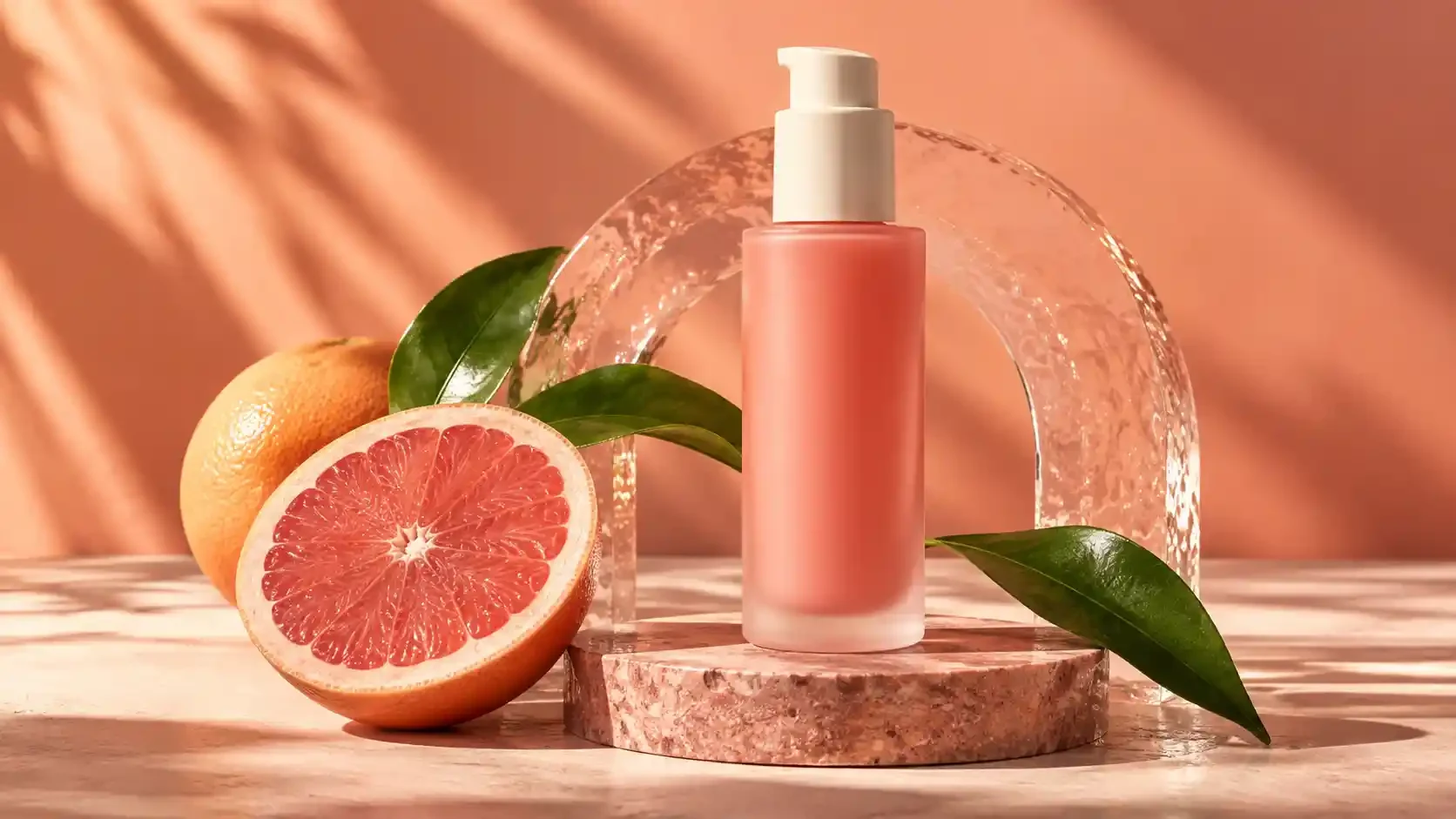
Add relevant props while keeping labels and important product details visible.
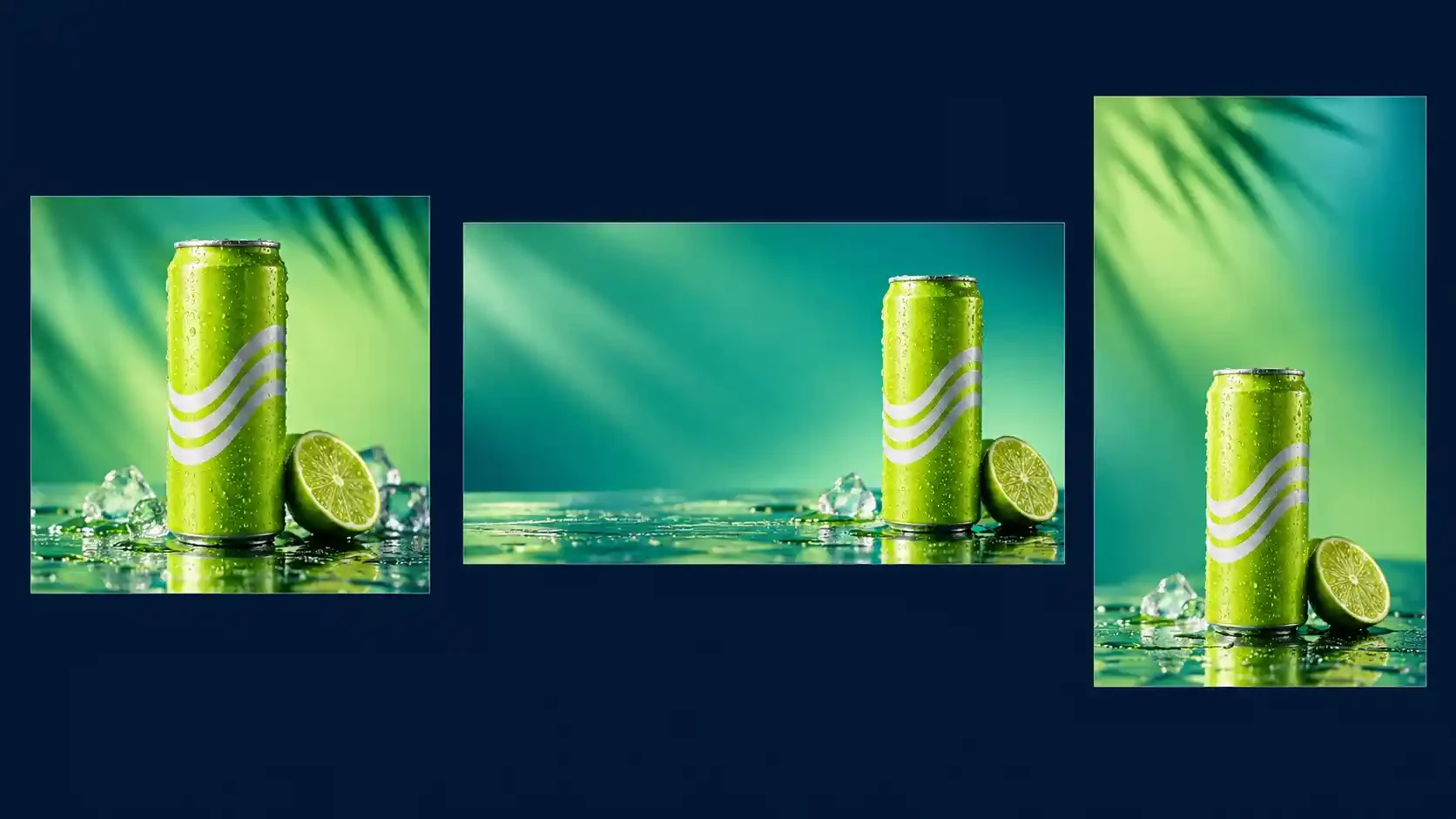
Create square, landscape, or vertical compositions for listings, social posts, and ads.
Three simple steps
Upload a clear source image, describe the intended scene, and review the result for product accuracy before publishing.
Choose Image to Image and add a clear view of the product.
Name the background, lighting, layout, and details that should stay the same.
Compare the label, outline, color, material, and shadow with the source.
Prompt tips
Use direct instructions, protect important packaging details, and make one focused change at a time for easier review.
Upload a product photo, describe the scene you want, and create a new visual for your store or campaign.
Start EditingCommon questions
Find practical answers about source photos, packaging details, multiple products, marketplace use, and credits.
Yes. Start with a sharp photo that has even lighting and a clear view of the product.
Not always. Ask the model to preserve them and inspect every result before publishing.
Yes. State the number of products, their relative sizes, and where each item should appear.
No. Multiple uploads act as references for one generated result.
Review the background, crop, dimensions, label, color, and product accuracy against the marketplace requirements.
New accounts receive 5 free credits. The generator shows the credit cost before you submit.
RELATED GUIDES AND TOOLS
Return to the main generator, improve your edit instructions, or explore the model designed for detail-sensitive image work.