Comparison 01
1. Premium Coffee Packaging
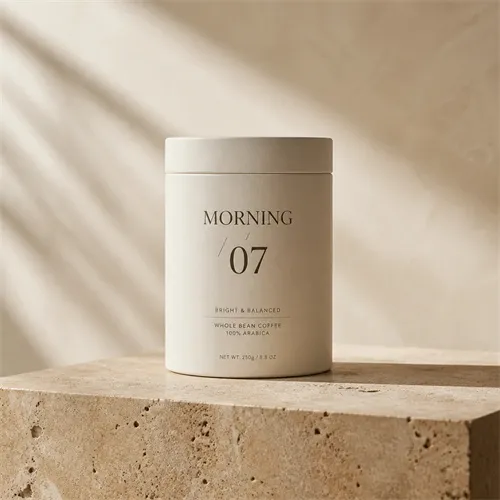
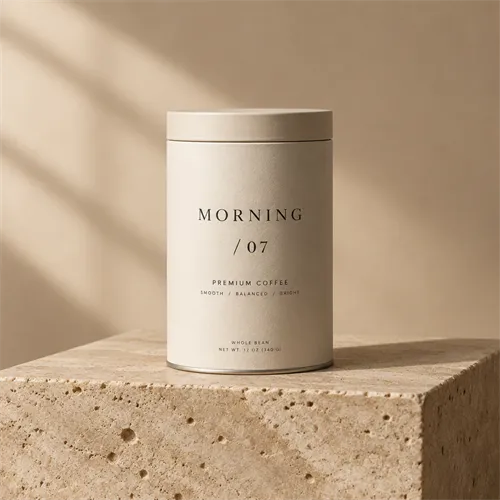
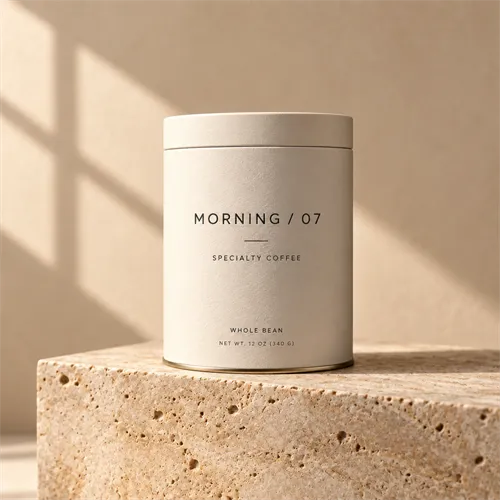
GPT Image 2.5 adds Flare and Sunburst for different creative needs. Compare all three models with the same prompts and references. Then choose the result that fits your project.
Compare real workflows, prompts, and image results.
OpenAI introduced GPT Image 2 in April 2026 and GPT Image 2.5 in September 2026. GPT Image 2.5 adds Flare and Sunburst. The release focuses on visual detail, subject preservation, editing, and faster generation with Flare.
| Comparison | GPT Image 2 | GPT Image 2.5 Flare | GPT Image 2.5 Sunburst |
|---|---|---|---|
| Model focus | Earlier image generation and editing model | Fast everyday generation and editing | More demanding quality and editing workflows |
| Text-to-image | Yes | Yes | Yes |
| Image editing | Yes | Yes | Yes |
| Reference image inputs | Yes | Yes | Yes |
| Quality options | Low, Medium, High, Auto | This site offers Low, Medium, High, XHigh, Max, and Auto | This site offers Low, Medium, High, XHigh, Max, and Auto |
| Speed positioning | Baseline for this comparison | OpenAI reports lower latency than GPT Image 2 under its tests | Tighter control, with longer generation times than Flare |
| What to inspect | Existing workflow baseline | Iteration speed and acceptable result quality | Fine detail, preservation, editing precision |
Note:A new quality tier is an available setting, not a guarantee of better output for every prompt. Check the site generator for the sizes and options it currently offers.
Explore the dedicated Flare and Sunburst pages for model-specific examples and generator settings.
How we compared the models
GPT Image 2, Flare, and Sunburst received the same prompt for each example. The editing and reference tests also used the same source images. The findings describe these examples and should not be treated as a guarantee for every generation.
The same three workflows show how GPT Image 2 compares with Flare and Sunburst in text rendering, focused edits, and reference-guided composition.
Comparison 01
Comparison 02
Comparison 03
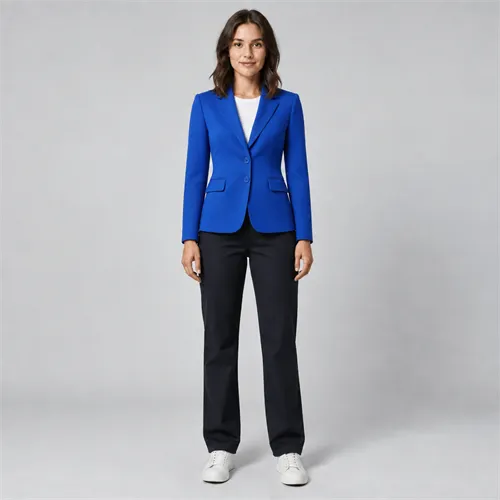
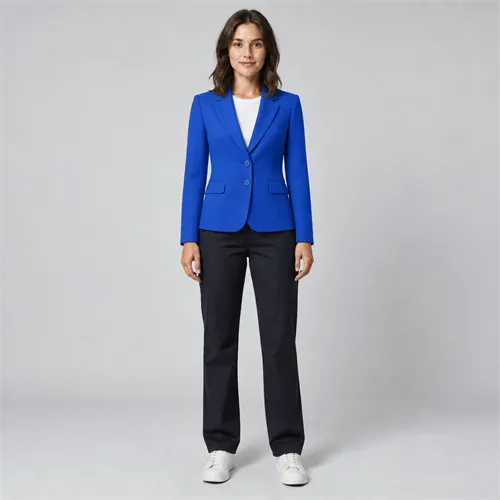
Result notes
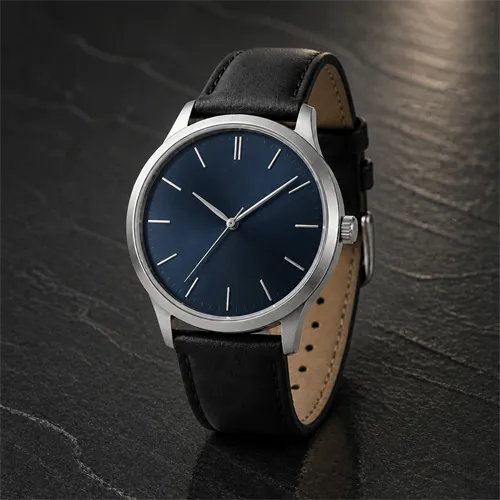
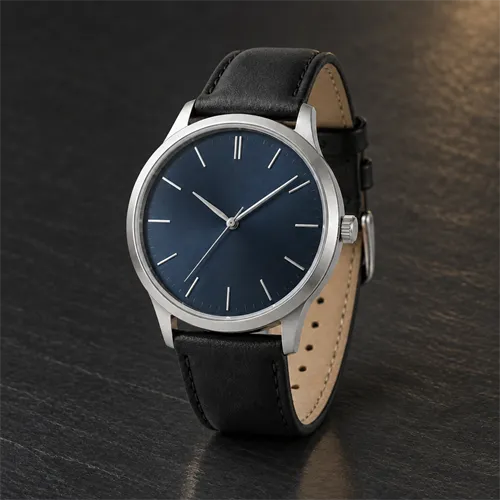
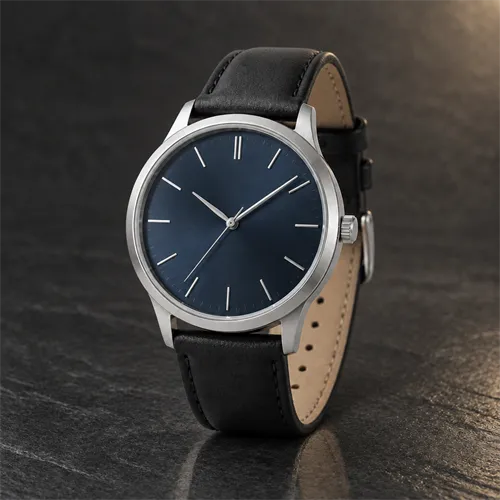
Each observation refers to the images displayed above.
Across these examples, the GPT Image 2.5 results were more consistent.
In this packaging example, Sunburst was the closest match.
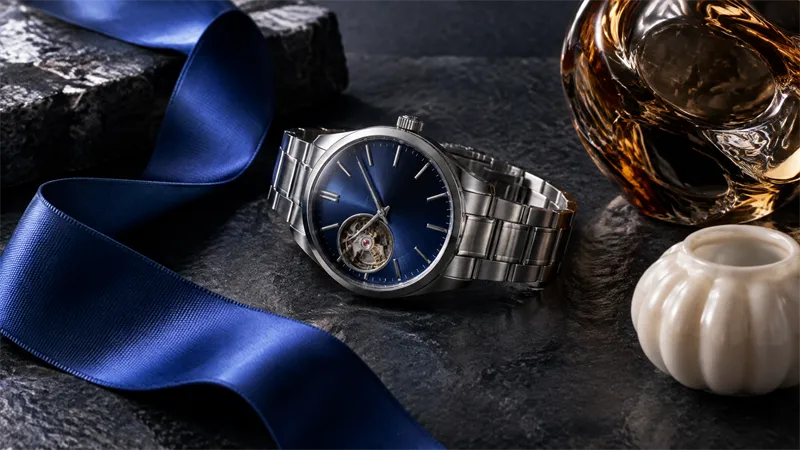
In the displayed watch edit, the 2.5 outputs kept closer control of the requested boundary.
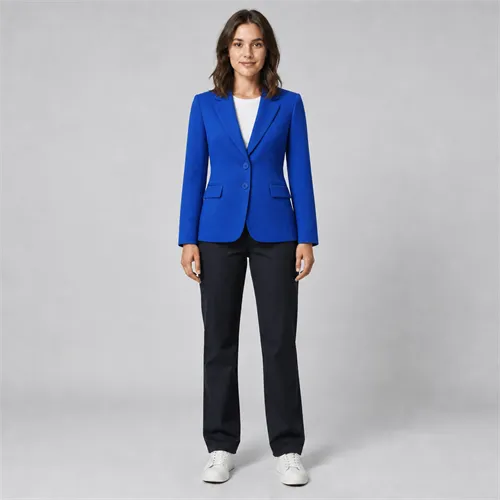
In this outfit example, Sunburst retained the most garment detail.
Across these examples, the clearest change appeared in focused editing and reference detail.
These observations describe the displayed runs rather than a universal model ranking.
Rather than treating every job the same way, GPT Image 2.5 separates faster everyday generation from image-quality- and precision-focused work.
The 2.5 release emphasizes sharper details, more natural lighting, and richer textures. Test the difference on the subjects you care about, such as skin, fabric, packaging, and metal.
GPT Image 2.5 is designed to preserve subjects more reliably and follow editing instructions across multiple turns. Focused tests are useful for checking whether unchanged areas remain stable.
This site offers XHigh and Max for Flare and Sunburst in addition to the earlier quality choices. Compare the visible result, generation time, and displayed credit cost.
OpenAI reports up to 50% lower generation latency for Images 2.5 compared with Images 2.0 in its release announcement. This is a vendor-reported improvement, not a fixed speed guarantee for every prompt or platform.
Measure the observed time for the same job and equivalent available settings. A provider's published average does not determine every individual request.
Zoom into relevant areas, including materials, reflections, fabric, faces, and object edges. Compare what changed, not just which thumbnail looks more dramatic.
Check whether the model changed the requested area and left unrelated elements intact. Use the exact same source image to make that judgment meaningful.
Look for recognizable subject features and product construction. In the outfit test, compare both the person and garment reference against the finished image.
For publication graphics, verify exact wording and the placement of elements. A visually polished layout can still contain text errors.
If your existing prompts and results already meet your project needs, preserve a few representative examples before changing anything. They give you a reliable comparison point.
Reuse those prompts in Flare. Compare the time and image quality you actually experience at equivalent settings. Flare is built for fast everyday image work.
Try the source images that are hardest for your current workflow: complex products, important identity features, precise visual edits, and multi-step changes.
An upgrade is useful when the outputs fit your requirements. Keep the original prompts and source files so differences can be traced back to a model or setting change.
Create your next image
Bring the prompt you already use. Run it with the newer model, compare the output, and keep the version that works for your creative task.
Try GPT Image 2.5Common questions
Find quick answers about model capabilities, image workflows, and choosing the right option for your project.
No. GPT Image 2.5 is a newer generation with two model options: Flare and Sunburst.
The release emphasizes improved detail, subject fidelity, editing consistency, and a speed-oriented Flare model. The value depends on your workload.
Yes, prompts make a useful starting point. Test with the same reference images and settings, and review the output rather than assuming identical behavior.
Yes. GPT Image 2, Flare, and Sunburst all support image-input editing workflows.
No single result proves that for every prompt. Compare the qualities relevant to your task and inspect real outputs.
For a working GPT Image 2 workflow, test Flare at equivalent settings. If your use case needs tighter editing control or finer visual detail, also test Sunburst.
The credit cost depends on the options and model available on this website. Check the live generator before submitting; don't assume the older model uses the same schedule as the two 2.5 options.
No. This is an independent third-party image generation service and is not affiliated with or endorsed by OpenAI.